Customer information · Practical automation
Clean up duplicate customer records without losing the history
A practical way for service businesses and MSPs to review duplicate customer records, preserve account history, and prevent the same mix-up next time.
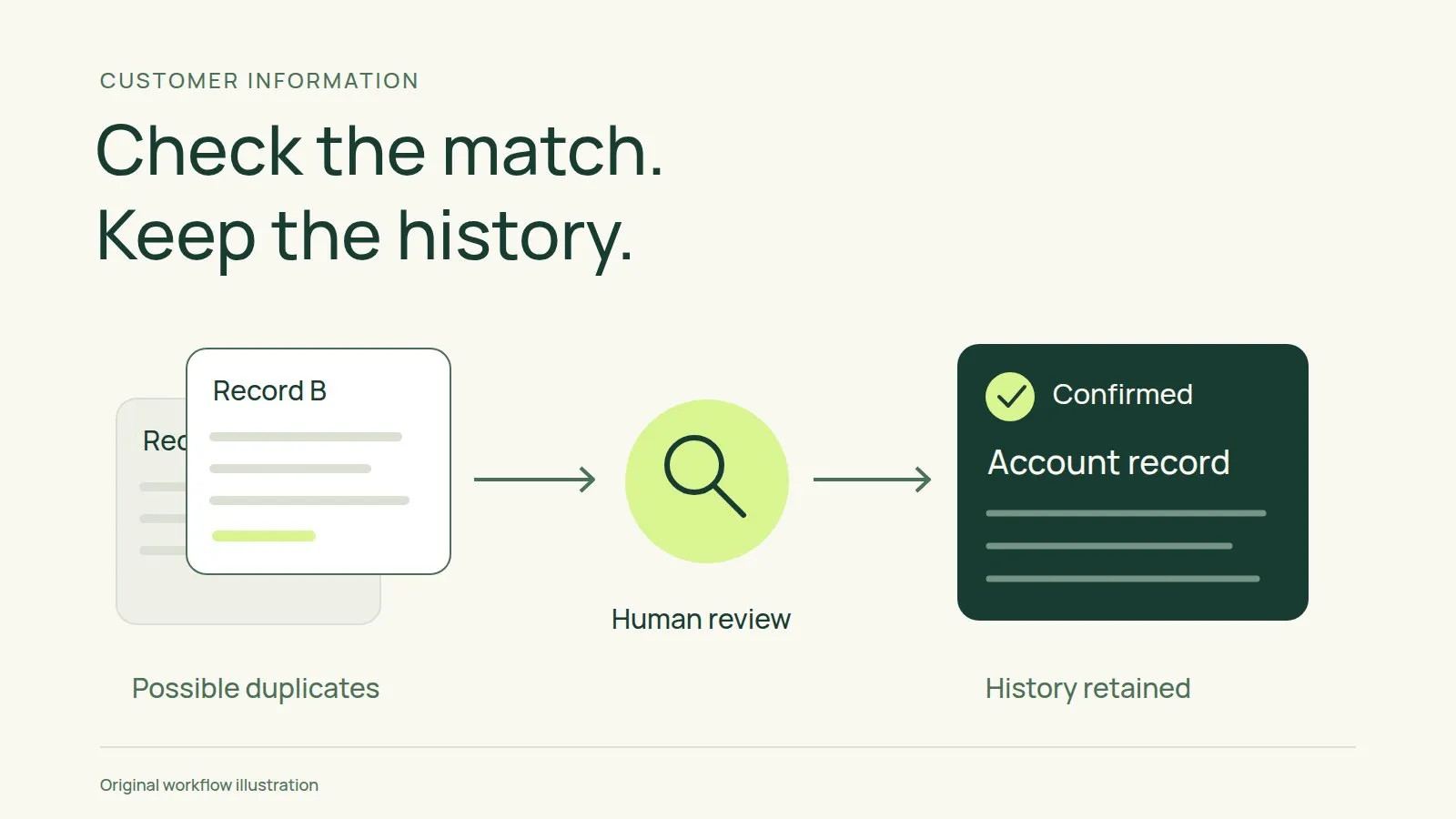
Imagine preparing for a customer call and finding two account records. One has the service notes. The other has the contact who approved the latest work. Both look current, and neither tells you which one your colleagues use.
Deleting the emptier record might feel like a quick fix. Before you do, check what depends on it. A record with few visible notes could still be linked to an open task or an active workflow.
For a service business or MSP, treat duplicate records as a small review job. Confirm the customer’s identity, preserve the useful history, and leave colleagues with a clear place to work.
Check whether the records describe the same customer
Start with a pair you suspect is duplicated. Compare the organisation name, address, website, and any identifiers your team already uses. Check the linked contacts and agreements, too.
A similar name is a reason to investigate, not permission to merge. Two branches may belong to one organisation but need separate service records. Related businesses may share a website while having different agreements and people authorised to approve work.
Decide what an account means in your business. It might represent a legal customer, a service location, or a parent organisation with separate locations underneath. Apply that definition before tidying the list.
If the evidence is unclear, mark the pair for review and assign someone to resolve it. Keep the records separate until you can explain why they belong together.
Choose the record your team will keep using
Once you confirm a duplicate, nominate the account record that should remain active. Don’t choose solely because it was created first or has more fields filled in.
Look at which record colleagues use and which one connects to current work. If an external system refers to one account identifier, check how your tools handle that relationship before changing anything.
Write down the choice and the reason. A short internal note is enough: identify the records reviewed, the one being retained, and the person responsible for the cleanup. Ask colleagues to avoid editing the duplicate during the change.
Preserve history before retiring anything
Read your tool’s current merge or archive instructions. Find out what happens to linked records and whether you can reverse the operation. If you cannot confirm the behaviour, don’t experiment on a live customer account.
Before making changes, review:
- Open tasks, their owners, and their due dates.
- Service notes and links to supporting documents.
- Contact roles, including who can approve work.
- Agreements and any references used by other systems.
- Workflow enrolments, scheduled messages, and reminders.
Use an authorised backup or export method if your tools provide one. Keep that copy in the approved location with appropriate access, rather than downloading customer information onto a personal device.
Preserve the source of disputed information. If two notes disagree about the customer’s preferred contact, keep enough context to resolve the difference instead of silently choosing whichever note is newer.
Pause automation that could act on the wrong record
Check active workflows before the cleanup. Where your tools allow it, pause affected customer outreach and coordinate the change with the people responsible for those workflows.
Pay attention to actions already queued. Don’t assume that archiving a record cancels a scheduled message or that merging records removes duplicate tasks. Verify the behaviour in the tools you actually use.
For a hypothetical example, suppose each account record has a reminder to request updated contact details. Combining the accounts should not leave two messages waiting to send. Review the queued actions and retain only the follow-up the account owner intends.
Restart affected automation after checking the retained record and its pending actions. Record who completed that check.
Make the result obvious to the next person
After the merge or archive, open the retained account as though you were covering for a colleague. Check that you can find the latest service context and identify who owns the next action.
Follow the links from an open task and a relevant contact. Confirm that they lead to the right account. Check any external references involved in the change using your normal verification process.
Where possible, leave the retired record pointing to the active one. Use your tool’s supported archive or merge function rather than inventing a naming trick that could confuse search results.
Tell the people working on the account which record to use. Keep the cleanup note with the customer history so someone investigating an old reference can understand what changed.
Find out how the duplicate was created
Before closing the job, trace the entry point. Check whether someone created a new account without searching, an import lacked a matching identifier, or a form allowed slightly different names to become separate records.
Fix the specific cause you find. Add a search-before-create step to the team’s routine. Test an import on a small sample before applying it broadly. Where your tools support it, use a stable account identifier to match updates rather than relying only on the organisation’s display name.
Keep exceptions visible. A second location may need a related record, while a spelling variation may need a correction. Give staff a way to ask for review without forcing them to guess which case applies.
Use AI to suggest candidates, not authorise merges
If you want to try AI for this work, start with a tool your business has approved for the information involved. Give it only the fields needed to identify possible duplicates.
Ask for candidate pairs and the reasons they might match. Keep uncertain matches in a review queue. A person should check the source records and approve any change; a similarity score alone is not enough.
Don’t give an experimental assistant permission to delete records, move account relationships, or send customer messages. Test its suggestions against a manually checked sample before considering a wider process.
Grovana is in development. This article describes a working practice you can use with your current tools, not a released product feature.
Start with one confirmed duplicate. Finish the checks, document what changed, and address how it entered the system before taking on the rest of the list.